
Game server hosting by the day.
Rent a server for you and your friends. Pick a game, see the price, play tonight.
Galeforce Hosting Prices for the United Kingdom · Final price Eight games on sale
Pick a game
Eight games on sale, each tested on our own servers


Cover art from each game's Steam page, shown to identify the game: © Coffee Stain Publishing (Valheim, Satisfactory); Pocketpair (Palworld); The Indie Stone (Project Zomboid); The Fun Pimps Entertainment LLC (7 Days to Die); Keen Games GmbH (Enshrouded).Picture: Jdog Official (opens in a new tab), taken with a shader pack (Minecraft Java, Modded Minecraft).
14 days to change your mind: cancel and get back the time you haven't used.
A day costs £2.00 in the United Kingdom (from 3 GB to 6 GB) and $2.50 in the United States (from 3 GB to 8 GB). At 2 GB the same price buys a week. Every size and pass.
The basics
What is a dedicated game server?
A dedicated game server is a computer that does one job: it runs your game's world, apart from any player's PC, so friends can join with an address whenever it is on. Hosting on your own PC works while you play; a dedicated server keeps the world open after you log off, and your PC can go off.
- Do I need a dedicated server to play with friends?
- For a night where you host and play, your own PC can run the world. A dedicated server is for a world friends can join while you're away, and for groups or mods that need more memory than your PC can spare.
- Do I have to keep my PC on?
- No. Your world runs on our server, so friends play while your PC is off.
With a server of your own
- The world stays open after you log off.
- Friends join with one address, whenever it is on.
- Your PC stays yours: play on it, or switch it off.
- Sized to your group and the mods it plays.
Good to know
Friends join with an address
Each player enters the server's address on the game's join screen; some games add a port or a password.
The world lives on the server
Saves, settings and mods stay on the server between nights, and you can download the world whenever you like.
Memory sets the size
More players and more mods want more RAM. Work it out with the RAM calculator.
Hosting is paid for by time
By the hour, the day or the month: which costs less depends on how often your group plays. Hourly, daily or monthly, compared.
Step by step: how to host a Minecraft server Every game we host
NextPick a game, a size and a pass
Set up a serverGames
Pick a game. Play tonight.
Eight games on sale, one price per GB, each tested on our own servers before we sell it. What each game needs
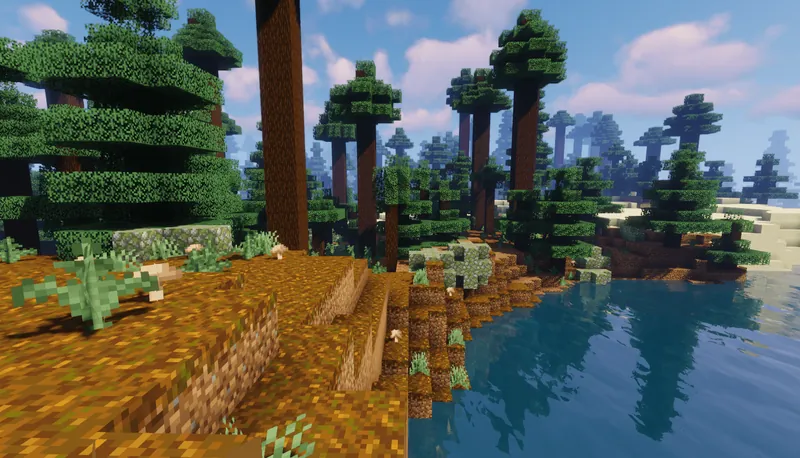
Minecraft Java
Paper for plugins or Fabric for light mods.
2 GB, up to 5 playersfrom £2.00 a week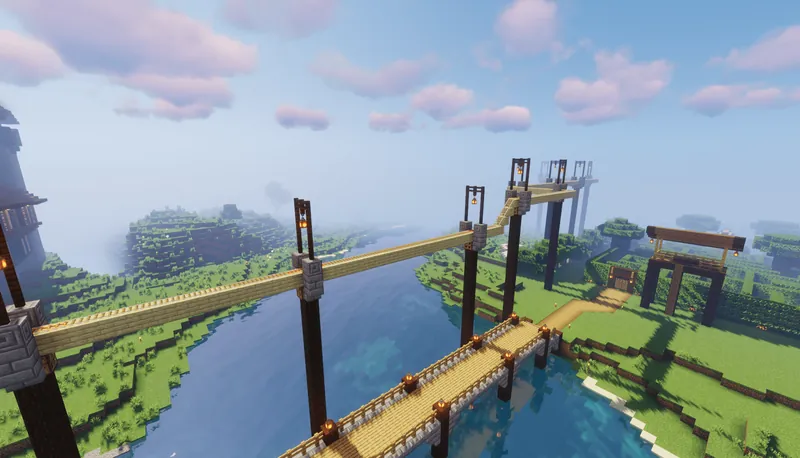
Modded Minecraft
NeoForge and Forge: mods from Modrinth in the panel, packs over SFTP.
8 GB, up to 13 playersfrom £2.16 a day
Valheim
A world that stays up when the host's PC is off. Pay once for the nights you raid.
3 GB, up to 3 playersfrom £2.00 a day
Palworld
PalWorldSettings.ini options in the panel, checked before you save.
16 GB, up to 8 playersfrom £4.32 a day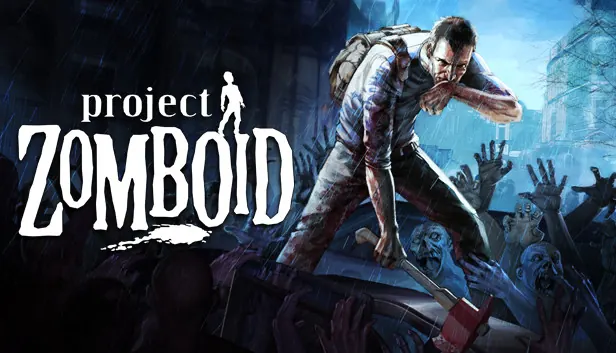
Project Zomboid
Workshop mods and sandbox settings.
8 GB, up to 2 playersfrom £2.16 a day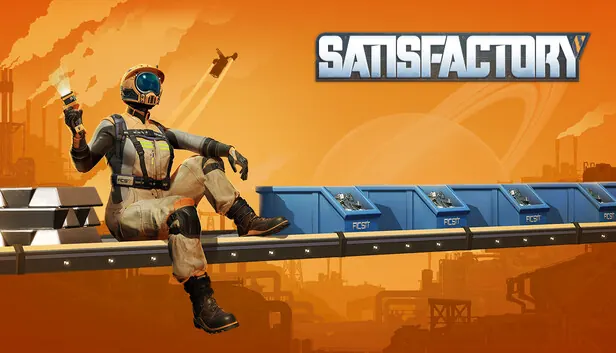
Satisfactory
Your factory keeps its save while you sleep. Pay once for the shifts you work.
8 GB, up to 2 playersfrom £2.16 a day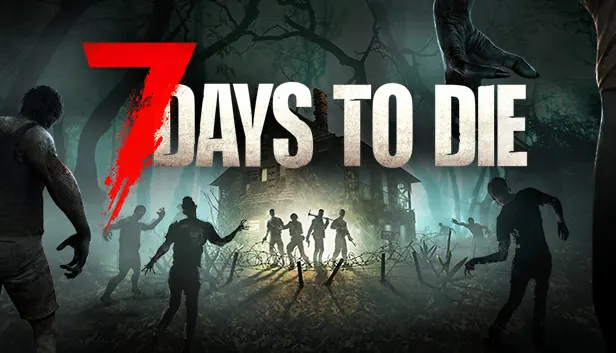
7 Days to Die
Horde nights on your schedule, with the map size you choose.
8 GB, up to 4 playersfrom £2.16 a day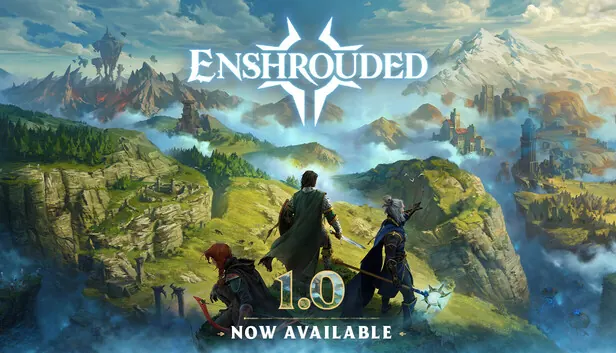
Enshrouded
Difficulty presets and every gameplay setting in the panel, checked before you save.
6 GB, up to 4 playersfrom £2.00 a day
Cover art from each game's Steam page, shown to identify the game: © Coffee Stain Publishing (Valheim, Satisfactory); Pocketpair (Palworld); The Indie Stone (Project Zomboid); The Fun Pimps Entertainment LLC (7 Days to Die); Keen Games GmbH (Enshrouded).
Picture: Jdog Official (opens in a new tab), taken with a shader pack (Minecraft Java, Modded Minecraft).
NOT AN OFFICIAL MINECRAFT SERVICE. NOT APPROVED BY OR ASSOCIATED WITH MOJANG OR MICROSOFT.
Own one of these images and want it credited differently or taken down? Write to support@galeforcehosting.net.
NextPick a game, a size and a pass
Set up a serverPasses
Pay for tonight, not the month.
Each server has its own pass, paid up front: it renews until you cancel, or you pay once. No balance to top up and no meter running. When a pass ends, the server stops and its files wait 30 days for your next night.
- Game
- Valheim
- Size
- 4 GB RAM
- Played
- 4 Saturdays
- Bought
- 4 × day pass, £2.00
Each night paid once, and between them the world waits on disk. A month pass: £9.79 renewing until you cancel, or £10.88 paid once.
The weekend, and then some
Week
£2.00
2 GB server
Seven days straight: a holiday, or a new world's first week.
Renews until you cancel, or pay once.
7 daysThe long campaign
Month
£5.44
2 GB server
One calendar month, so the world keeps running between game nights.
Renews until you cancel, or pay once.
1 month
Prices for the United Kingdom · Final price. Each price is for one server at 2 GB, the smallest. Bigger servers are priced by their GB. At 4 GB, a renewing month pass costs less than day passes once you play more than 4 days in a month, and one paid once more than 5 days. Every size and price
Renewing or paid once. Bought with renewal, a week or month pass of 4 GB or more costs 10% less than the same pass paid once, on the first payment and every renewal, while renewal stays on. Stopping renewal is free and takes nothing back: the pass you've paid for runs to its end at the price you paid. Any pass paid for once is at the pay-once price.
NextPick a game, a size and a pass
Set up a serverMods
A mod manager for your game server.
Search Modrinth right here for Minecraft Java and Modded Minecraft: pick the server software, add what your group plays with, and it all goes on as your server is set up.
The panel takes mods each game's own way: a Modrinth search for Minecraft plugins and mods, a zip upload with a switch for each mod in Valheim and 7 Days to Die, and Workshop IDs for Project Zomboid.
How do I add mods to my server?
Open your server's Mods tab in the panel (Plugins, on a Paper server). On Minecraft, search Modrinth there and each mod or plugin installs with the ones it needs; on Valheim and 7 Days to Die, upload each mod's zip and switch it on or off. On Minecraft you can also pick them as you order, and they install as your server is set up.
Mod managerModrinth
Minecraft Java
Modded Minecraft
Fabric · Minecraft Java
Every Fabric mod on Modrinth, one search away.
Type a name. Add the ones your group wants, and they go on as your server is set up.
What you add lands here, and goes on as your server is set up.
Picks install as your server is set up. The panel's Mods tab adds more whenever you like.
Mods, game by game
Sizing a modpack? Paste its Modrinth link into the modpack sizer for its loader, its mod count and the server size to start with.
- Minecraft Java
Paper plugins and Fabric mods from Modrinth, installed in the panel
How to install plugins - Modded Minecraft
NeoForge and Forge mods from Modrinth, installed in the panel, or your pack over SFTP
How to put on a modpack - Valheim
BepInEx plugins from Thunderstore, uploaded as a zip in the panel's Mods tab
How to install Valheim mods - Project Zomboid
Steam Workshop item and mod IDs, in the settings editor
- 7 Days to Die
Modlets, uploaded as a zip in the panel's Mods tab
How to install 7 Days to Die mods
The panel
Game night, run from one screen.
Your server in plain words, from the first start to the last save.
- Overview
- Watch the console as friends join, and send game commands from buttons.
- Players
- See who's online, then kick, ban or make someone an admin.
- Game
- Presets in the game's own words, and every change shown before it saves.
- Files & SFTP
- Upload, unpack a zip, edit and save: your server's files, in the browser.


Manage your files in the browser.
Upload files of up to 4 GB each, unpack a zip on the server, and open a config to edit and save it. Bring in a world you already have: it is checked before it replaces anything. Download your files as one .zip, or use SFTP.


When it breaks
It tells you what broke, and what the fix costs.
No tutorial. Every error says what happened and how to fix it, and every change shows what it costs before you confirm.
12:04:51 INFO Loading 214 mods12:05:37 INFO Preparing spawn area: 71%12:05:52 WARN Can't keep up! Running 2041ms behind12:06:09 ERROR java.lang.OutOfMemoryError: Java heap space
What broke
Your server ran out of memory.
It used all 6 GB it's allowed and crashed.
Fix: Give it more memory, or remove a heavy mod or plugin.
NextPick a game, a size and a pass
Set up a serverOn every server
What every game server comes with.
You pay for time, up front.
Every payment buys time for one server: a day, a week or a month. It renews until you cancel, or you pay once.
Support from a person.
Support is one click from your dashboard, and a person reads every request.
One price, everything in.
The price on the page is the price you pay: the full panel and support from a person come with every size.
Lag you can measure.
Live CPU and memory graphs for your server, so “it’s lagging” has a number you can point at.
Every GB you pay for.
A machine’s memory is sold once, so your server keeps every GB you pay for, around the clock.
Your world stays yours.
Download your world free, whenever you like: your save is yours to keep.
Free tools
Game server tools anyone can use.
- Tool 01RAM calculatorPick a game, your group size and mods. Get the size, and what a day, a week or a month of it costs.Open the tool
- Tool 02server.propertiesEvery Minecraft Java setting, explained, validated and diffed against the defaults. Paste yours to check it.Open the tool
- Tool 03PalWorldSettings.iniEdit Palworld's one-line settings file without breaking it. Unknown keys are kept, ports and passwords checked.Open the tool
Your world, running tonight.
Sign in, pick a game and play tonight, from £2.00 a week. No tutorial, and no balance to keep topped up.